
How to Search the Shelby Court Docket
Does your paper name Shelby Municipal Court? Start at the court's official site. The site splits Record Search from Daily Docket. A full case lookup and a one-day hearing list answer different questions, so that split matters. The CaseLook route opens with a terms notice, and the court says there that online information can lag by at least 24 hours or longer, so read the notice before you search.
- Confirm that the notice, ticket, or summons names Shelby Municipal Court.
- Open the court's Record Search and acknowledge the official terms notice.
- Use the court's available local search route to identify the case.
- Use Daily Docket when the task is to locate a hearing day rather than full case history.
- Request or visit the court during regular business hours for verified, current, or certified information.
Note: an empty online Shelby result is not proof that a recent case or setting does not exist.
Shelby Record Search and Daily Docket
Shelby draws a real line between its CaseLook Record Search and its Daily Docket. Record Search is the wider tool. It covers the broader local case record. The Daily Docket link, by contrast, uses a date-formatted hearing-schedule address, which makes it a calendar slice rather than a substitute for the full case record. Match the tool to the task at hand. The Shelby Municipal Court site lays out both local access paths in its own navigation.
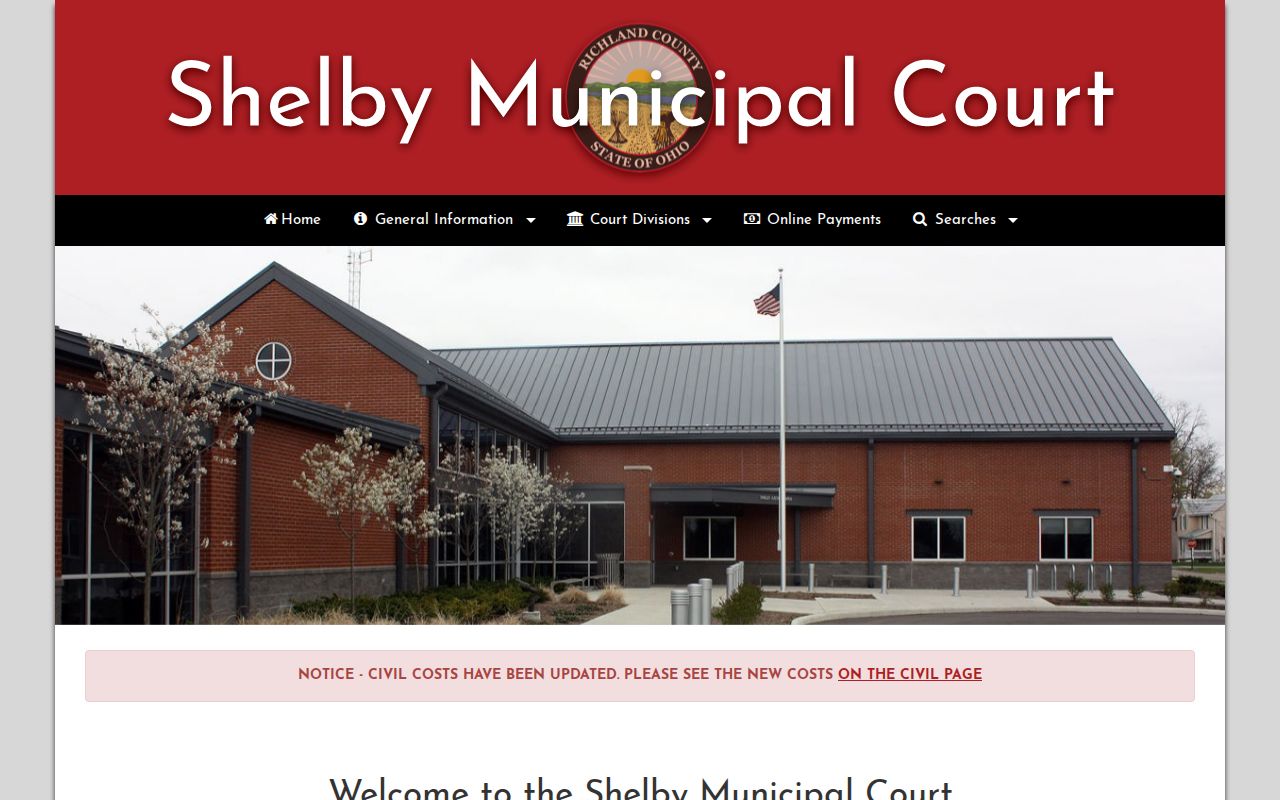
The two Shelby links serve different jobs. Search the record for case detail, then use the day-specific docket for a hearing check.
The Shelby Municipal Court Docket
Shelby Municipal Court keeps its own records, apart from Mansfield Municipal Court and the Richland County Court of Common Pleas. It sits at 29 Mack Avenue, Shelby, Ohio 44875. On its official site, the court lists a Civil division along with Daily Docket, Record Search, and payment navigation. Its service area takes in Shelby and named townships. A city population figure is not a docket-volume figure. Follow the court on the paper. A felony that reaches Common Pleas, a juvenile matter, or a Probate case may belong with a different Richland custodian. Similar-looking county or municipal results are easy to confuse. Match any lookalike to the actual court and case number. The case number tells you which office truly holds the file.
Shelby CaseLook Posting Delay
The Record Search notice is blunt. Online data may lag a filing or judicial action by at least 24 hours, sometimes longer. Information can also be altered without notice. Anyone who needs verified information is told to make a request or visit during normal business hours. That stated limit beats guessing.
Shelby timing check: after a recent hearing or filing, allow for the published delay, then use the court's direct channel to verify a current setting or record.
The notice does not make older results wrong. It means an online entry is a convenience copy. When the stakes are real, compare it with a court notice or the clerk.
Shelby Court Dates and Settings
Shelby's Daily Docket is the most specific published route to a hearing date. Its date-formatted URL lets you pull one day. Use Record Search to identify the case first. Check any current date against the summons. Also check the latest court notice and the newest docket material. A reset or a continuance can replace that earlier listing.
| Daily Docket | A Shelby date-specific hearing schedule route. |
|---|---|
| Record Search | The broader CaseLook route for a local case. |
| Setting date | Match it to the current court notice and case identifier. |
| Newer action | A later filing or order can change a prior setting. |
| Confirmation | Contact or visit Shelby Municipal Court for verified information. |
A date pattern in a web address does not set your court date. The precise case and the newest court instruction still control.
Shelby Daily Docket Is Not History
A Daily Docket answers one narrow question: what the court shows for a date. It is not a complete history. Filings, prior settings, orders, and a final disposition all sit outside the day list. A case can drop off for several reasons. The date changed, the data have not posted, or the wrong court or identifier was used. Record Search and the clerk are the next steps. A day list does not end a case. Confirm the court name, case number, and latest notice. For older or certified items, ask Shelby Municipal Court which record-request method applies.
Shelby Traffic Tickets and Dockets
A Shelby traffic or misdemeanor ticket belongs with Shelby Municipal Court when that court is printed on the citation. Two documented routes exist. Those are Record Search and the Daily Docket. The terms notice covers traffic information too. A recent action may not display right away. Use the court and date on the citation instead of borrowing Mansfield or Common Pleas payment instructions. The court's payment page says “Online Payments are coming soon.” That statement means a CaseLook result is not an online-payment authorization. For pay-or-appear questions, contact the court. The county-wide traffic court records page explains other local court routes.
Shelby Online Payment Status
Shelby's payment page carries a local "coming soon" notice. So treat it as an access limit rather than a web error. The message does real work. It stops you from sending a Shelby traffic ticket to a payment tool that belongs to some other court. A citation may carry its own appearance or waiver instructions. Only the court named on that paper decides whether online payment exists at all.
For court dates, the Daily Docket route shows Shelby's dated hearing schedule in action.
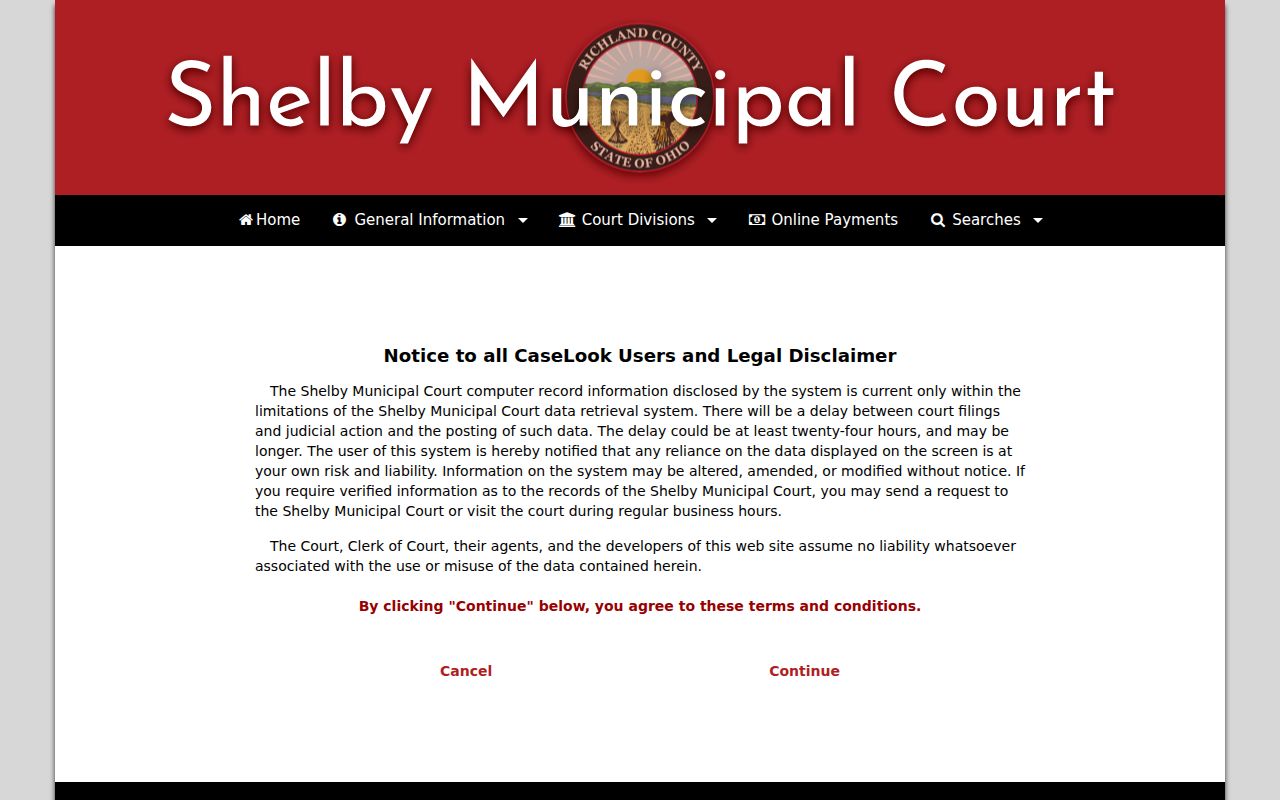
That dated schedule route helps with a court-date lookup, but it does not add an online payment option.
Where Shelby Court Cases End Up
Shelby Municipal Court keeps its own local docket system. Not every matter nearby ends there, though. A General Division civil case belongs to the Richland County Court of Common Pleas. So does an adult felony prosecution. Probate and Juvenile files sit in separate divisions with their own access practices. So let the court and case number printed on the actual document pick the route.
Docket flow: Shelby Municipal Court › Richland County courts › Richland County Court of Common Pleas.
The routing flow is only an aid. It is not an automatic sequence that moves a case for you. The Richland County court docket overview lays out the courts and divisions without turning a Shelby municipal case into a county General Division file.
Shelby Municipal and Common Pleas Routing
What separates these courts is jurisdiction. The file itself matters too, not a loose "criminal" or "civil" label. Shelby runs a Civil division and a local Record Search. Mansfield has its own Benchmark system. Common Pleas handles General Division work in CourtView. Start with the court printed on the ticket or summons. You are far less likely to decide wrongly that a case has no record at all.
A case that seems missing calls for patience, not guesses. Try the documented alternate court only when the paper itself supports it. A municipal versus Common Pleas mismatch can explain a failed docket search. So can a CaseLook delay or a restricted file. And never read any outcome into an empty online result.
Public Access to Shelby Court Records
Shelby's terms notice points one way for verified information. You can submit a request or visit the court. That route matters most for a certified record, a recent filing, or a docket entry missing from the web. The court posts no complete certified-copy fee schedule or document-image price online. Ask the Municipal Court directly about the product, its availability, and the current fee.
Key rules:
Ohio Sup.R. 44-47 governs Ohio court-record access, redaction, and restrictions.
Ohio Revised Code 149.43 provides for public-record inspection and copies subject to exceptions.
Ohio Revised Code 2303.901 identifies restrictions applicable to court and clerk records.
A web search result and a certified Shelby court record are not interchangeable.
Shelby Court Docket Context
Shelby counted 9,282 residents in the 2020 Census. Its July 1, 2024 estimate was 9,238. Those numbers describe the city, not the Municipal Court's caseload. The court's territory also reaches named townships. The docket fact that matters more is the court's separate local setup: a CaseLook Record Search plus a date-specific Daily Docket.
That setup rewards patience. Start with Shelby when the court paper points there. Pick the record route or the daily route to suit the task. Allow for the posted delay. Then go to the court itself for anything verified or certified.
Shelby Court Record Search Limits
Shelby's terms notice works as a practical access rule. Data can change without notice, it says. A user who needs verified information should send a request or visit during normal business hours. Nothing in the notice promises a particular search field, a document image, or a certified-copy price. Its real job is context. The public web result is a useful route to a case, not the final source for every purpose.
Once a docket search finds the case, write down the court, the case number, and the exact item you need. That preparation lets a clerk pull a docket, a document, or a court-date answer quickly. It also keeps a request from going by mistake to the Richland County Clerk's Legal Division. Shelby Municipal Court holds the local file.
Shelby Civil Court Docket Route
Shelby's own navigation lists a Civil Court Division and a Record Search. That local path stands apart from Mansfield Benchmark and from Common Pleas CourtView. A "civil" label alone never picks a countywide portal. The court named on the summons or in the case number does the routing, whether the matter is small claims, municipal civil work, an eviction, or a General Division case.
A Shelby case starts in the Municipal Court system. A Common Pleas General Division civil docket runs through the county's CourtView Case Inquiry and the Clerk. Probate keeps its own CaseLook channel. Domestic Relations sits in a separate division. It has its own access and redaction caveats. Keeping these systems distinct spares you a string of empty queries.
Shelby Court Records and Certification
A Daily Docket only tells you a matter is listed for a date. It does not certify that date. It does not list every filing. It does not authenticate a disposition. Certified records are a separate product, issued by the court that actually holds the file. The court posts no current official fee schedule for copies or public document images, so ask the clerk about the cost rather than assuming a free or online record exists.
Know the Shelby case number and what you need before you call. That could be a docket history, a plain copy, a certified record, or confirmation of a court date. The court can explain its current process. It can say whether a file is limited by a restriction. A CaseLook page printed from the web is not an official court copy.