
How to Search Richland Civil Dockets
There is no single place to look up a Richland County civil docket. The right route depends on which court holds the case. General Division civil matters in Richland County run through the Common Pleas Clerk. It uses CourtView Case Inquiry and Court Calendars. Mansfield Municipal Court has its own Benchmark system. Shelby Municipal Court splits things differently, posting a Civil Court Division and a separate Record Search. Richland County Probate Court works through CaseLook. Domestic Relations sits apart as its own Common Pleas division. It has separate access and redaction rules. No statewide Ohio search covers individual cases across all of these courts.
Grab the exact Richland County case number from your paperwork before you begin. Searching by party name? Match what comes back against the caption, the filed date, the court, and the civil case type. That way you do not land on the wrong matter. The free Richland County docket index can flag case activity, though it may not show every filing or a certified judgment. Keep the court name in view the whole way.
- Read the court and case number printed on the Richland County civil notice or filing.
- Use CourtView for a Richland County Common Pleas General Division civil case, then choose the named local portal for municipal or probate cases.
- Search the Richland County court by the supplied number, or narrow a name result with case type, party role, and filing date.
- Open the matching Richland County civil docket and read its filings and newest setting in date order.
- Contact the owning Richland County clerk for a document, a certified item, an older case, or a record needing review.
CourtView for Richland Civil Cases
Richland County Common Pleas General Division civil cases start at the Clerk-linked CourtView eServices portal. It is listed as Case Inquiry and Court Calendars. The portal handles case lookups and court calendars. Its electronic-filing side exists to submit documents, not to search a case already on file. That distinction matters. The official filing guide walks through Site, Case Type, and Initiating Action for new filings, which is classification work rather than docket reading.
Copy Richland County case numbers exactly as printed, leading zeroes included. When CourtView cannot answer a question about an older, restricted, uncertified, or confusing file, call the Civil and Court of Appeals Supervisor at 419-774-5541. The Legal Division records channel is 419-774-5549. Ask for the specific record you need. Do not try to bend an e-filing field into a public search filter. That is not what it does.
Note: CourtView Case Inquiry finds existing Richland County civil case activity. eFile is the separate channel for submitting filings to the court.
What a Richland Civil Docket Shows
Think of a Richland County civil docket as a timeline. It lists activity in the order it happened. You will typically see the case number and caption, the parties with their roles, the filing or open date, and dated entries such as a complaint, a service-related filing, an answer, a motion, a notice, an order, a setting, a judgment, a satisfaction, or an appeal entry. Those entries are handy waypoints. They show where a case has been. One caution applies here. A docket does not promise that every pleading, exhibit, or order image is viewable online.
| Case number and caption | The Richland County court identifier and case title, used to distinguish similar party names. |
|---|---|
| Party roles | In a Richland County civil action, a plaintiff starts a claim and a defendant responds; probate and domestic matters can use other labels. |
| Filing date | The date the Richland County court accepted or recorded an item. It is not necessarily the hearing date. |
| Docket entry | A dated Richland County notation of a complaint, answer, motion, notice, order, or another court action. |
| Judgment or disposition | A court ruling or outcome entry. A certified judgment is a separate product from an online docket view. |
Read the Richland County civil docket straight through, from the first filing down to the newest entry. No single status label tells the whole story of a court record, particularly once a later order or satisfaction entry appears.
Note: After a Richland County judgment entry, the docket may show later satisfaction, collection, or appeal activity.
Richland Civil Types in Mansfield
Mansfield’s public Benchmark search explains a puzzle many people hit. A Richland County civil case may never show up in Common Pleas. Under its Civil court type, Richland County lists separate categories for Contract, Damages, Eviction, Rent Escrow, Small Claims, and Trusteeship. That beats a broad civil label. It gives you far more detail. The search also lets you sort by party role. You can set date-opened and date-closed ranges and pick the court type. Those local controls matter most when the paperwork in hand names Mansfield Municipal Court. Filtering there is the fastest way to find the right Richland County civil docket entry. Do not guess at a division.
| Benchmark civil category | What the category helps identify | Richland County search caution |
|---|---|---|
| Contract or Damages | A municipal civil claim category | Confirm the court and parties before opening a result |
| Eviction or Rent Escrow | Municipal housing-related case categories | Use the owning municipal court, not a generic Common Pleas assumption |
| Small Claims or Trusteeship | Other displayed municipal civil categories | Match the case number, party, and date |
For those court types, the Mansfield Benchmark Case Search is the official public route. Its categories describe the local filters on offer, not a promise that every civil record or document image is public.
Richland County Civil Docket Types
Civil dockets in Richland County are split by subject and by court jurisdiction. Common Pleas General Division comes first. It handles its own civil cases. Municipal courts run their own civil, small-claims, and eviction paths. Probate keeps estate, guardianship, and other probate files through its own court process. Domestic Relations, though another Common Pleas division, should not be read as a general public civil search result. Its case lookup serves a narrower docket.
- Richland County Common Pleas General Division civil matters searched through CourtView and the Clerk.
- Mansfield Municipal Court in Richland County civil categories, including Contract, Damages, Eviction, Rent Escrow, Small Claims, and Trusteeship.
- Shelby Municipal Court in Richland County civil matters through its Civil Court Division and Record Search path.
- Richland County Probate files through the separate CaseLook search and Probate clerk.
- Richland County Domestic Relations matters through its separate division and Clerk access practices.
So a Richland County eviction or small claim may sit in a municipal court. It may not be in Common Pleas. Check the court named on the complaint or notice and search there. No single countywide civil portal covers every category. The court type tells you which portal and clerk can confirm the case. A broad civil label does not.
Note: Richland County court type determines the portal and clerk that can confirm the case.
Richland Civil Docket Record Levels
A Richland County civil search can point to three very different things. One is the online docket index. It is simply the dated list of activity in a case. Another is a filed document. This is the pleading, order, judgment, or exhibit that sits behind a docket entry. The third is a certified copy, authenticated by the proper clerk for official use. Screen views from CourtView, Benchmark, or CaseLook are none of these. They do not carry certification.
| Richland County item | What it provides | Where to ask |
|---|---|---|
| Docket or case inquiry | Richland County case identification and activity history | The owning court’s public portal |
| Filed document | A specific Richland County pleading, order, or judgment when accessible | Owning clerk or records process |
| Certified record | Richland County clerk-authenticated court copy | Owning clerk, with the exact product and total fee confirmed first |
Need something the online docket does not show? The Richland County Clerk's public-record request process is the documented Common Pleas route for inspection or copies. Redaction review takes time, so build that lag into any deadline. Be exact about what you want, too. An online docket view, a document copy, and a certified copy are three different Richland County products. Asking for the wrong one slows things down.
Richland Civil Docket Settings
A Richland County civil setting is simply a court event with a date and time. It shows on the docket or calendar. A notice, hearing, conference, or order can shift after it posts. So compare the newest docket entry against the latest court-issued notice. Call the Richland County clerk or the courtroom when a date is close or the two conflict. A written order or notice beats an older portal display every time.
Each court runs its own system here. Common Pleas links Case Inquiry with Court Calendars. Mansfield offers a Court Docket route beside its case search. Shelby keeps its Daily Docket separate from Record Search. None of these covers the others. So do not assume the General Division calendar lists a municipal setting. The Richland County court calendar page walks through each court-date channel in more detail.
One more reading note. A continuance or reset only moves a prior setting. It does not end the Richland County civil case. Read the later entry, then confirm with the court that owns the case.
Richland Civil Probate Search History
Probate sits in its own Richland County Common Pleas division, with its own CaseLook path. Online coverage starts December 10, 1996. Anything older means a clerk search, not more tries in the web portal. That split matters. A current probate docket search and an historical file request are two different errands. Need fees or certified copies? The Richland County Probate Estates page has the court's own figures.
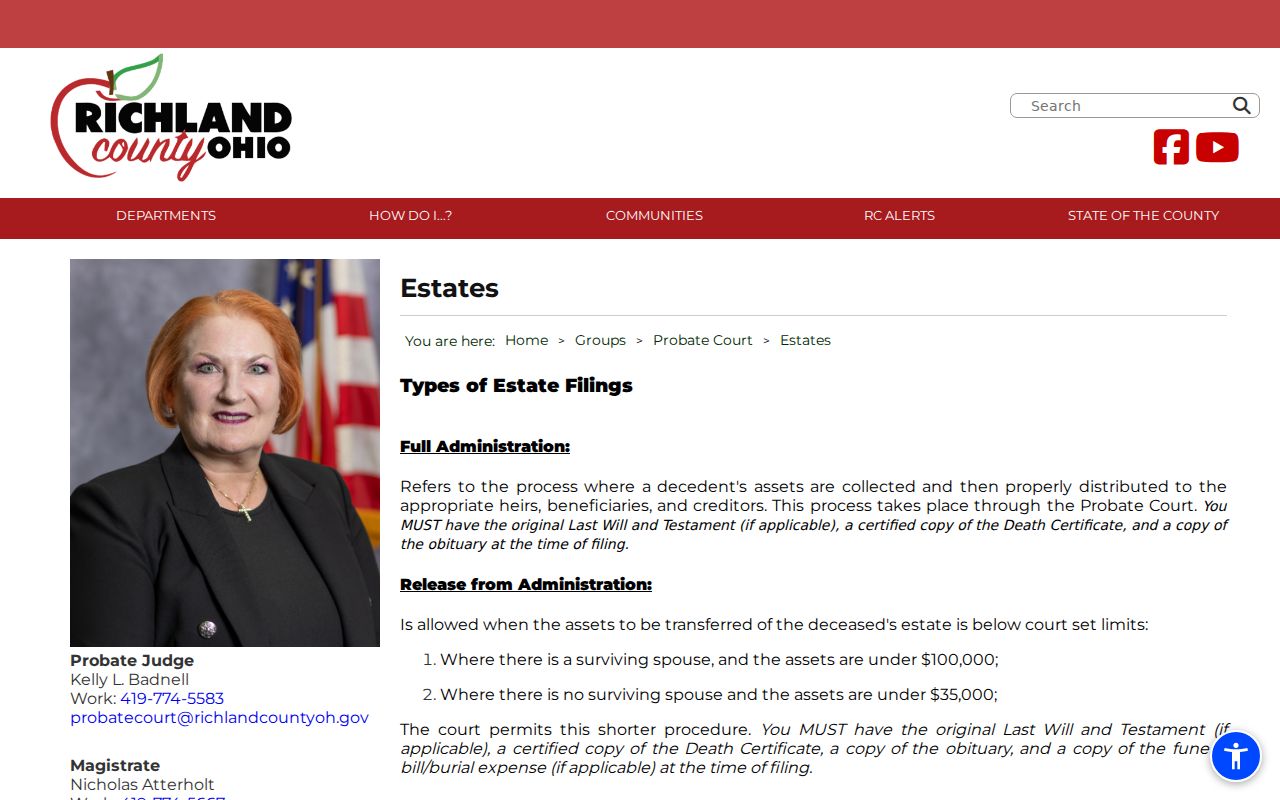
Those probate figures and steps belong to probate alone. They are not the price or the process for every Richland County General Division civil judgment.
Public Access to Richland Civil Dockets
Richland County civil dockets are public court information in most cases. Ohio court-record rules still apply. Before inspection or copying, the Richland County Clerk may review and redact Social Security numbers, personal identifiers, financial-account data, medical material, and other protected content. Domestic Relations files can carry extra limits. Keep one distinction in mind. A public docket entry and the underlying filed document are not always open in the same way.
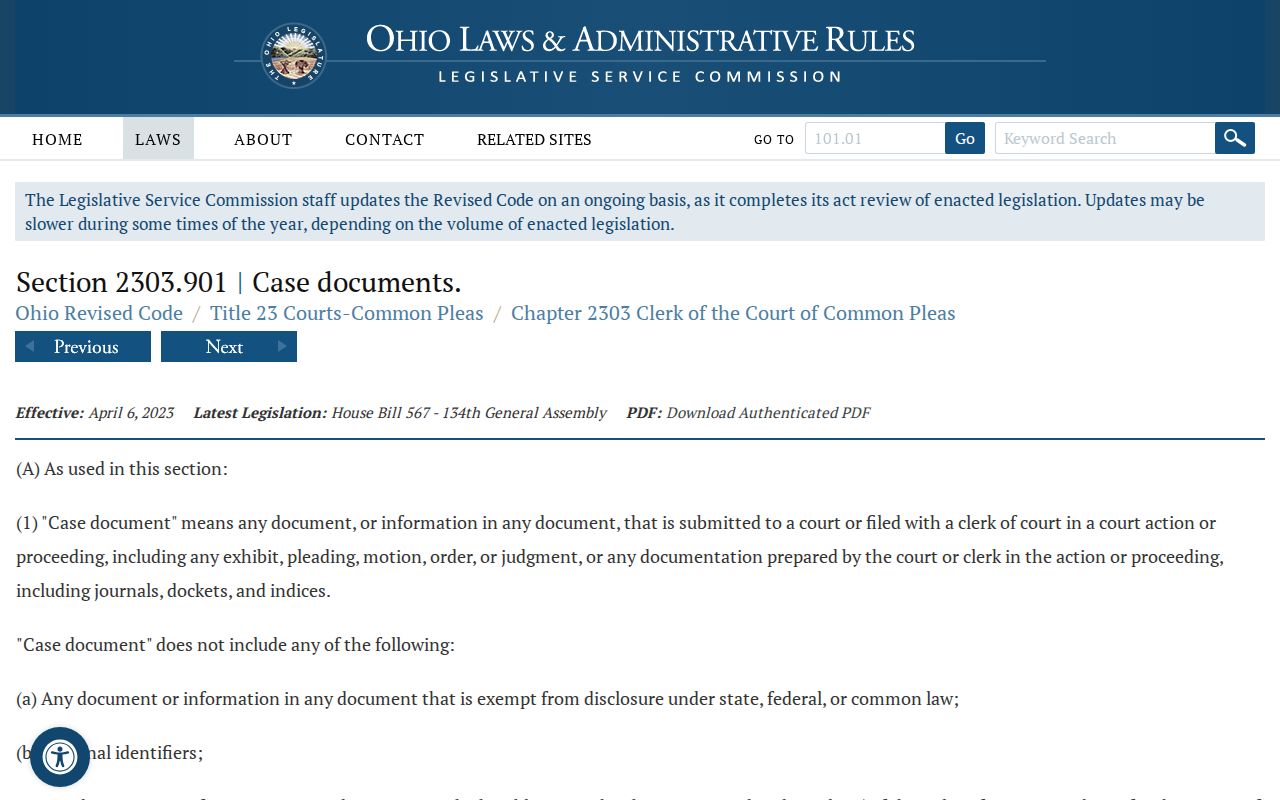
Ohio civil access rules. Ohio Sup.R. 44–47 sets court-record access, redaction, and restriction rules. R.C. 149.43 addresses public-record inspection and copying. R.C. 2303.901 identifies material a clerk or court may restrict.
When a Richland County Common Pleas record is not online, gather the case, the document, and the format you need first. Then call Legal Division public records at 419-774-5549. A clerk can tell you whether the item is online, inspectable, archived, restricted, or awaiting redaction review.
Richland Civil Docket Access Limits
Most Richland County access limits turn on the kind of material, not on whether the case exists. Protection-order materials never appear through CourtView eAccess. The Clerk names other categories that may need review or redaction. A missing detail can also mean the case sits in a different court. The file may be old. Or the portal may list activity but no images. R.C. 2303.901 is the state's official text on these court and clerk restrictions for Richland County.
If a Richland County civil record comes back limited, go through the owning clerk's process. Guessing from an incomplete search screen gets you nowhere.