
How to Get Court Records
For Common Pleas General Division civil and criminal cases, Domestic Relations matters, and appellate filings, the starting point is the Richland County Clerk of Courts - Legal Division. Its online option, CourtView Case Inquiry, locates a Common Pleas case. But it does not produce certified copies. Beyond that portal, the documented routes are the Legal Division counter, a phone call, an oral or written public-record request, the optional RC-100 form, pickup, or mailed copies.
Probate, Juvenile, Mansfield Municipal, Shelby Municipal, and mayor's-court files sit with their own records offices. They are not with the Legal Division. Pin down the division before you send anything. The Common Pleas Clerk publishes separate contacts for the Civil/Court of Appeals supervisor, the Criminal supervisor, and the Domestic supervisor. Send a request to the wrong court. It may stall, since that office simply does not hold the file. A Richland County case search helps confirm the court and case number first.
- Identify the court, case number, and exact item wanted: docket, filed document, judgment, certified copy, hearing record, or transcript.
- Use the relevant court’s official case inquiry only to locate or confirm the record.
- Call the owning clerk or records office before travelling, especially for an older, restricted, or certified record.
- Choose inspection, pickup, or mail through the clerk’s process or the RC-100 request preferences.
- Confirm the product, charge, payment method, and any redaction review before payment.
The Common Pleas public-record request notice lays out how the Legal Division handles local inspection and copying.
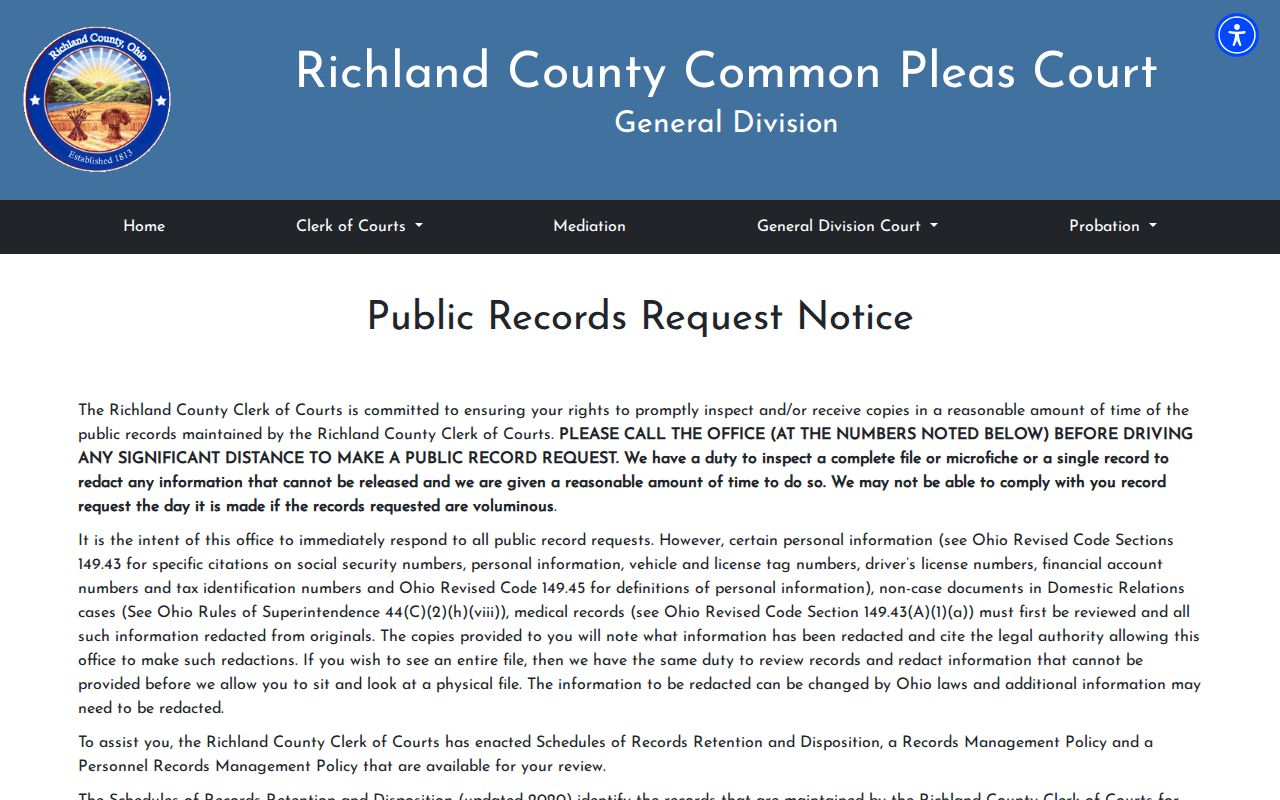
It also notes that a complete file or microfiche may need review before inspection or copying can begin.
Richland County RC-100 Choices
The County's RC-100 Public Records Request is optional. Use it or not, as you prefer. It helps make a request specific, especially when copies must be mailed. The form states that identity and intended-use details can be declined. Leaving a contact method helps the office reply, though. Match your delivery choice, whether inspection, pickup, or mail, to the record type. Also follow the clerk's instructions.
| Field or choice | Type | Required | Local note |
|---|---|---|---|
| Name of Requestor | Text | Optional under form notice | A requester may decline identity. |
| Street Address; City, State, ZIP | Text | Conditional | Needed when copies are mailed. |
| Phone Number | Text | Optional | Helpful contact channel. |
| Today’s Date | Date or text | Unspecified | Form field. |
| Description of records wanted to review | Long text | Needed to fulfill | Describe the item as specifically as possible. |
| Inspect in building when ready | Checkbox | Select a preference | No inspection charge stated. |
| Copies, pickup when ready | Checkbox | Select a preference | Advance payment applies. |
| Copies mailed | Checkbox | Select a preference | Actual mailing charge applies. |
| County employee handling request/date completed | Staff field | No | Not for requester completion. |
Types of Court Records
A Richland County court record might be a simple index entry. It might be a filed document or an authenticated copy. Which office holds it depends on the case. The Legal Division keeps the General Division civil and felony-criminal dockets. It also keeps Domestic Relations material and appellate filings. Probate, Juvenile, municipal, and mayor's-court clerks each maintain their own case files. Remember that a search result identifies an item but is not a clerk-certified record.
- Docket or case-inquiry activity lists.
- Pleadings, motions, and other filed documents.
- Orders, judgments, and certified judgments.
- Electronically recorded hearing-copy requests.
- Probate, municipal, juvenile, or mayor’s-court records held by their separate courts.
Richland Legal Division Records Desk
You will find the Legal Division records channel at the County Administration Building, 50 Park Avenue East, Mansfield, Ohio 44902. Call before a long trip. The public-record notice warns that a record may be on microfiche. It may need review and redaction first. This address handles Common Pleas legal cases only. The Auto Title records location on North Mulberry Street is separate.
Richland County Clerk of Courts - Legal Division
50 Park Avenue East
Mansfield, OH 44902
419-774-5549
Phone first. Do that when a case is old, large, on microfiche, or likely to contain protected material. The Clerk aims to allow prompt inspection and copying within a reasonable time. Same-day completion is not promised after a redaction review. The main office number is 419-774-3526. The public listing names Civil/Court of Appeals Supervisor Allie Blust at 419-774-5541, Criminal Supervisor Mindy Kemp at 419-774-5543, and Domestic Supervisor Angie Pfieffer at 419-774-5735. Those lines can route a question. For any Legal Division inspection or copy request, though, the public-record request number remains the right first contact.
What a Court Record Contains
Think of the docket as the chronological activity layer. The documents behind it are separate records. What you can get depends on the court, the case type, access rules, and whether a document is redacted or restricted. Ask for the exact product rather than assuming a portal entry includes a downloadable filing.
| Case number | The court-assigned identifier that lets the clerk identify the correct file. |
|---|---|
| Caption or style | The court’s title for the matter and its parties. |
| Docket sheet | Chronological entries for filings, orders, settings, and other events. |
| Pleadings and motions | Documents filed to begin or advance a matter, where public access permits. |
| Orders and judgments | Written rulings or directions, including an official certified product when requested. |
| Hearing material | A recording may be requested through the local hearing-copy form; a transcript is a different product. |
| Exhibits and attachments | Items behind a filing, subject to access restrictions and redaction. |
| Disposition | The court-recorded outcome or current status of a case. |
Richland Hearing Record Requests
The Common Pleas forms page lists a Request for Copy of Electronically Recorded Hearing. That form covers the court's own recording of a hearing. It does not mean the Legal Division keeps a stenographic transcript. Nor does it mean one price fits every courtroom. For a true transcript, ask the courtroom or the Court Administrator. Ask about the court reporter or the designated process. Bring the hearing date and the case number.
Richland's official forms page is the official spot for the local electronically recorded-hearing request, and it shows exactly what the court itself offers for hearing copies.
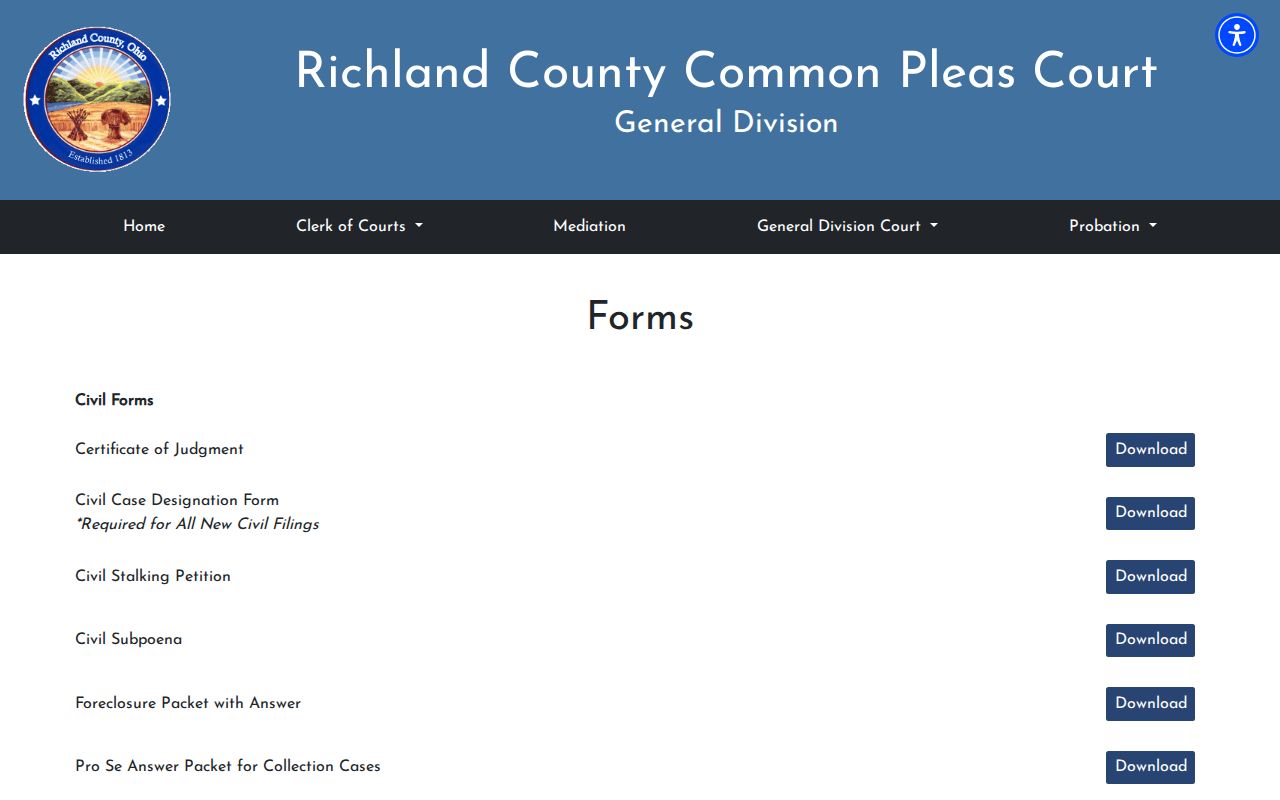
The form selection matters here. Distinguish an audio or video record from a transcript before you submit.
Certified Copies and Fees
A plain copy is just a reproduction. A certified copy is authenticated by the clerk or court for official use. There is no single Richland County rate. The RC-100 county schedule, the General Division judgment schedule, and the Probate schedule each describe different products. Name the exact item in your request. Then ask the clerk for the total before paying.
| Published item | Amount | Important limit |
|---|---|---|
| County non-certified copy | 10 cents per page | Listed on RC-100. |
| County certified copy | $1.00 per page | Listed on RC-100; advance payment. |
| Inspection in county building | No charge stated | Copies and mailing are separate. |
| Mailing | Actual cost | RC-100 states actual postage. |
| General Division certified or exemplified judgment | $10.00 per page with certification | Confirm that exact judgment product with the Clerk. |
| Probate certified copy | $1.00 | Probate-specific amount. |
| Probate exemplified estate copy | $5 triple seal plus $1 per page | Estate-specific amount. |
The county request form mentions advance payment. Actual mailing cost is added to it. Be careful with the General Division certified or exemplified judgment entry. It is not priced at the ordinary county photocopy rate. Probate's estate-copy figures belong to Probate alone. They do not follow the General Division civil-judgment schedule. Spell out the court, case number, document, certification needed, and delivery preference. The clerk can then quote the correct product.
Richland County Redaction Review
Electronic filing does not shrink the Clerk's review duty. Before Richland County court records go online, the Legal Division screens filings for Social Security numbers, driver-license numbers, vehicle and license-tag numbers, financial-account numbers, tax identifiers, medical records, personal information, and certain non-case Domestic Relations material. Any item on that list may need redaction. When a court docket copy arrives with material blacked out, the redacted version should state which authority allowed the redaction.
- Microfiche
- An older record-storage format that can require staff retrieval before a file is inspected or copied.
- Redaction
- Making protected information unreadable before a public copy is released.
- Certified copy
- A clerk- or court-authenticated copy, not a portal screen view or ordinary photocopy.
- Exemplified copy
- A specially authenticated court copy whose product and fee should be confirmed with the clerk.
Public Access and Sealed Records
Ohio treats court records as public civic information by default. Court rules and statutory exceptions still apply, though. The Clerk holds some Richland County material until staff review it first. One limit matters for docket search users. Civil protection orders, stalking civil protection orders, and related orders never appear through the internet-based CourtView eAccess search. That kind of court record needs a different route. The Clerk's public-record route is the local path. Juvenile, sealed, expunged, medical, and protected records carry their own separate limits.
Key Rules:
Ohio Superintendence Rules 44-47 define court records and govern access, exclusions, redaction, and restrictions.
Ohio Revised Code 149.43 addresses inspection and copying of public records, subject to exceptions and reasonable-time handling.
Ohio Revised Code 2303.901 recognizes court and clerk restrictions, including material restricted under Superintendence Rule 45.
A missing CourtView result is not the final word on a Common Pleas protection order. Ask the Clerk about its public-record request process instead. Different rules govern sealed, expunged, medical, and juvenile files. The owning court's current access process controls the response there. It also governs any inspection or copy decision. Ohio's public-record statute sets out the state-law rules behind that local request process.
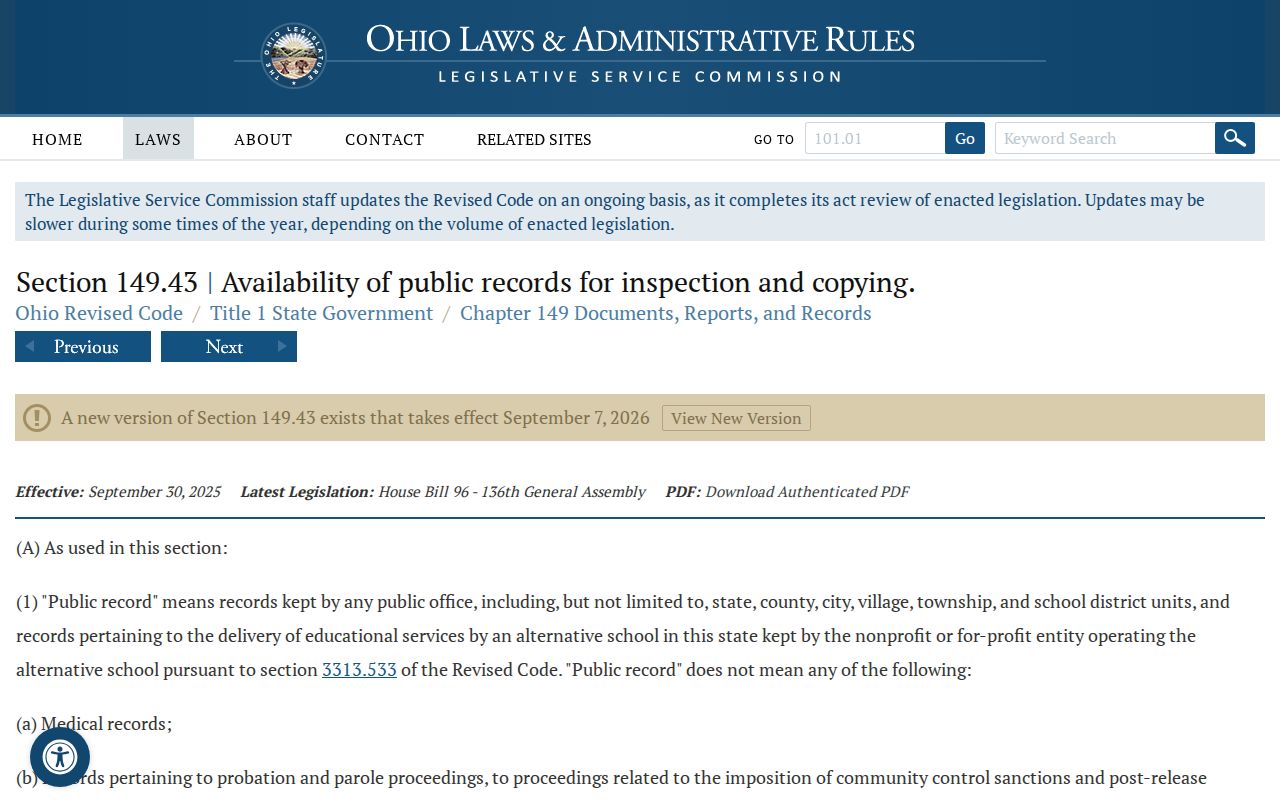
A portal result can point you to a case. The official file and any certified copy come from the owning court or clerk, not the search screen.
Richland County Probate Records
Probate sits inside Common Pleas. Yet it runs as its own division with a separate clerk and its own fee schedule. CaseLook holds its records back to December 10, 1996. Anything older takes clerk assistance. Note the 3:45 p.m. filing cutoff, too. That deadline belongs to Probate filings, not to Legal Division copy requests. Probate copy charges and General Division judgment charges are separate numbers, so keep them apart. The Richland County Probate Court profile lists its separate office and public contact path.
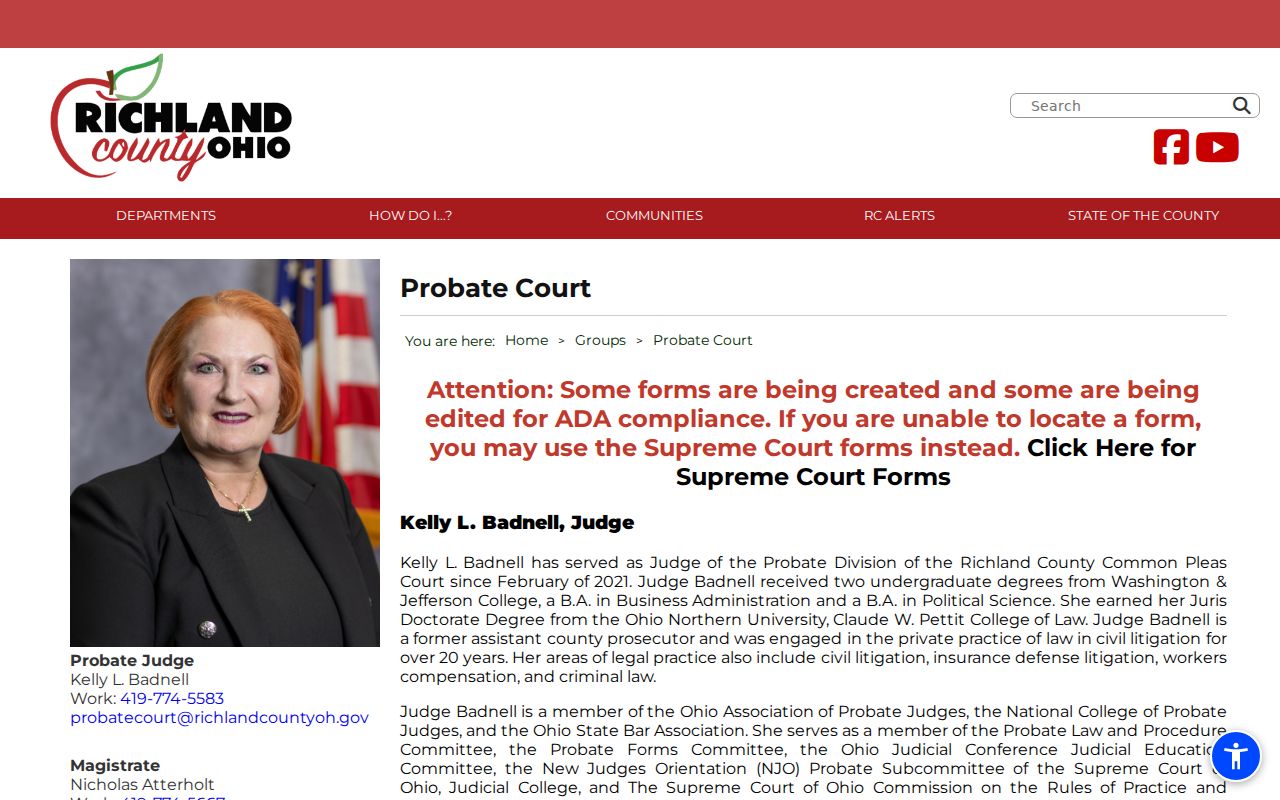
Send probate requests to the Probate division, not the General Division legal-records counter.