
Searching Cases by Name
The Mansfield Municipal Court lets the public search by name through the Benchmark Case Search. Use Last, First order. If you already know the court, cast a wide net at first. Then narrow things down with the court type, case type, and date fields. That keeps similar names from confusing you. Keep in mind that a Richland County case search by name is never one statewide query. Common Pleas, Shelby, Probate, and mayor's-court records each run through their own court-specific routes.
- Read the summons, citation, or prior court notice for the court name and any case number.
- Open that court’s official search, rather than assuming every Richland County case is in Common Pleas.
- Enter the surname first and given name where the form uses a name search.
- Use a court type, case type, or date range only when it matches the paper record.
- Open a result only after its court, number, and dates align with the case being located.
The Mansfield form offers several public search fields. Only the button that runs the lookup is required. Skip the boxes you cannot fill and use the ones that narrow your query instead.
| Field label | Type | Required | Format or options |
|---|---|---|---|
| All | Radio | No | Default broad search mode. |
| Name | Text and radio | No | Enter Last, First. |
| Case Number | Text and radio | No | Year, case type, six-digit number. |
| Citation Number | Text and radio | No | Use the number printed on a citation. |
| Citation Vehicle Tag Number | Text and radio | No | For outstanding or not-closed cases tied to a tag. |
| SAO Case Number | Text and radio | No | Linked court case number. |
| Arresting Case Number | Text and radio | No | Agency case number route. |
| Warrant Number | Text and radio | No | Searches a case associated with that number. |
| Drivers License Number | Text and radio | No | Exact form label. |
| Date Opened From / To | Date pickers | No | Case-opened date range. |
| Date Closed From / To | Date pickers | No | Case-closed date range. |
| Party Birth Year | Text | No | Year only. |
| Court Types | Multi-select | No | Civil, Criminal, or Traffic. |
| Causes of Action / Case Types | Multi-select | No | Includes contract, eviction, felony, moving violation, parking, and small claims. |
| Party Types | Multi-select | No | Plaintiff, Defendant, Judge, Attorney, or Include Alias. |
| Division | Multi-select | No | MUNI - MUNI. |
| Statutes / Charges | Text with Add | No | Type-ahead selection added to a list. |
| Search | Button | Yes | Runs the selected criteria. |
Richland County Court Selector
Let the paperwork tell you where to begin. If it points to General Division, whether a felony or a civil matter, start with the Richland County CourtView eServices portal. Mansfield and Shelby Municipal Courts each run their own case systems. Probate uses CaseLook. Juvenile keeps its files in house. Ontario, Lexington, and Bellville mayor's courts take local routes. A Galion citation goes to Crawford County Municipal Court's Eastern Division, per the City. Knowing the split up front saves you a cross-court docket search that would come back empty.
| Case named on paperwork | First official route | Local fallback |
|---|---|---|
| Common Pleas General or Domestic Relations | CourtView Case Inquiry & Court Calendars | Richland County Clerk of Courts - Legal Division |
| Mansfield municipal case | Benchmark Case Search | Mansfield Municipal Court clerk |
| Shelby municipal case | CaseLook Record Search or Daily Docket | Shelby Municipal Court |
| Probate case | Probate CaseLook | Probate Court clerk |
| Mayor’s-court citation | The named mayor’s court docket | That court’s clerk or citation court |
CourtView eServices is the official Common Pleas gateway, covering Case Inquiry, court calendars, and e-filing in one place.
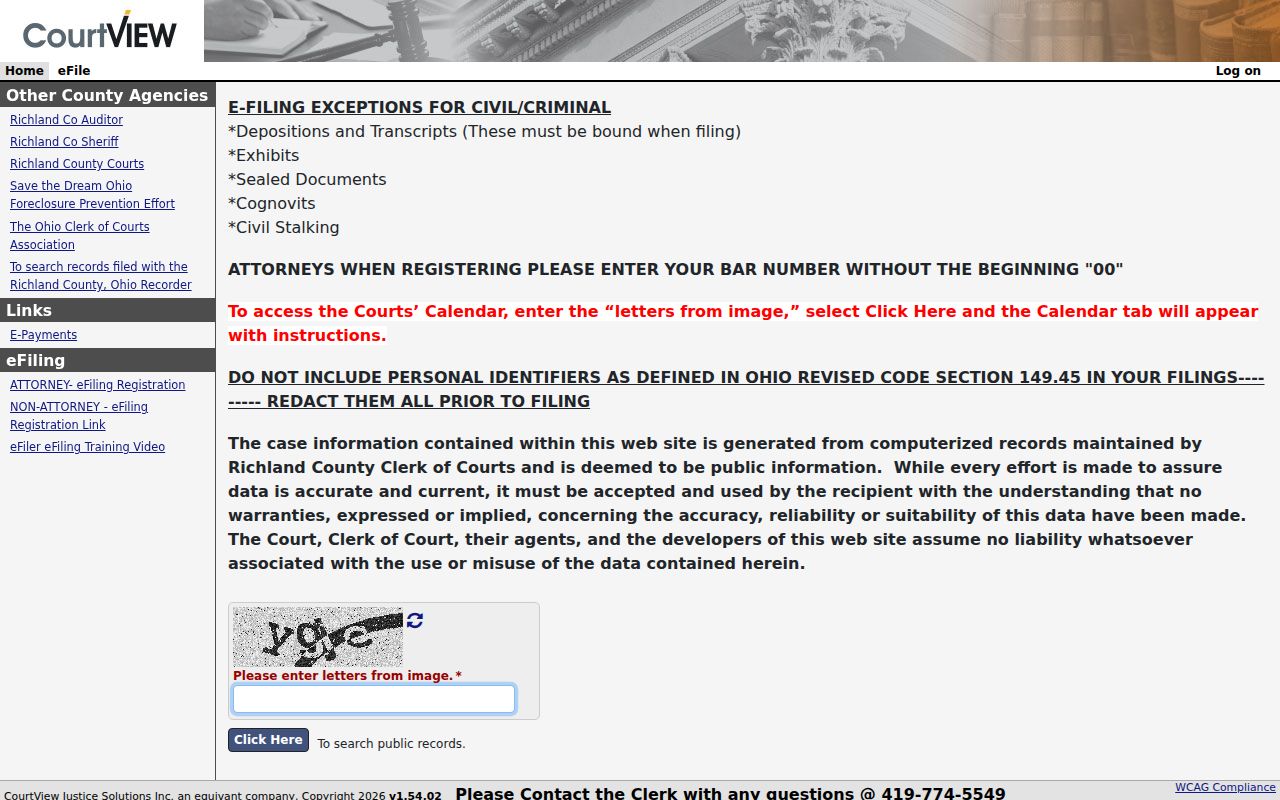
CourtView eServices is the official Common Pleas gateway for Case Inquiry, court calendars, and e-filing.
Searching by Case Number
A case number beats a name search whenever you have one. Copy it exactly as printed on the notice. Spaces matter. So do prefixes, punctuation, and leading zeroes. The Common Pleas filing instructions tell filers the same thing. That local caution helps when a CourtView docket result does not show on the first try.
Mansfield publishes a sample case number, 2005 TR 000123. It reads as year, case-type code, then a six-digit sequence. Do not treat it as a countywide format. Ontario shows different codes in its own examples, such as 11TRD0000 for a traffic complaint and 11TRP0000 for parking. Check which court issued the number before you decode it.
Richland County CourtView Search
CourtView eServices is the Richland County Common Pleas portal. It handles both case inquiry with court calendars and e-filing. Navigation in the official filing guide runs through Home, Search, eFile, Orders, Calendar, Cases, and Help. The public gateway relies on a JavaScript and session handoff. Because of that handoff, the filing screen's fields should not be read as a list of public case-search filters.
What if a Common Pleas number returns nothing? Keep every leading zero, then check that the case's division matches the record in hand. Some files are older, uncertified, restricted, or simply unclear. For those, the documented next step is the Richland County Clerk of Courts - Legal Division.
What a Case Search Returns
Richland County case information varies by portal. Still, public results tend to open with identifying data. From there, a search usually shows a case summary, dated activity, settings, orders, disposition, and payment details. Those are any the court chooses to display. A docket entry is a dated notation of an event, nothing more. Viewing one does not mean every filed document is available as an image.
| Case number | The court-assigned identifier, such as a Mansfield 2005 TR 000123 example. |
|---|---|
| Case caption or parties | The names or style used to identify the case. |
| Court and division | The office that owns the docket and its subject-matter category. |
| Case type | A classification such as civil, criminal, traffic, probate, eviction, or small claims. |
| Filing or opened date | The date a case or filing was accepted, which may differ from a hearing date. |
| Docket entry | A dated filing, order, setting, or other recorded court event. |
| Setting or court date | A scheduled appearance that should be compared with the newest notice or entry. |
| Order or judgment | A court ruling or direction, which may require a separate copy request. |
| Status or disposition | Open, closed, dismissed, judgment entered, or another court-recorded outcome. |
| Costs or payment information | Shown only where the particular court makes it available. |
Mansfield Case Search Routes
Benchmark sorts cases under Court Types: Civil, Criminal, and Traffic, with narrower Causes of Action or Case Types below that. A common name alone can pull up many hits. A citation, an agency case number, a warrant number, or a date range can pin down the right municipal case. The form shows a login panel, but public fields sit on the same page, so that panel does not prove every search needs an account.
Treat a result as an index to the municipal court record. It is no substitute for a clerk-certified copy. For a hearing coming up soon, confirm the date against the official docket or the clerk's channel.
Statewide vs County Case Search
Ohio has no single statewide docket search for individual cases. The Supreme Court of Ohio offers statewide court directories, rules, decisions, and aggregate statistics. An individual Richland County case still lives in a local court. So the lookup happens there. That matters when a search comes back empty. A blank Common Pleas query may simply point you toward a municipal, probate, juvenile, mayor's-court, or historic route rather than prove no case exists.
| Ohio statewide resources | Richland County case routes |
|---|---|
| Court directory, court rules, appellate decisions, and aggregate dashboards | CourtView, Benchmark, CaseLook, Daily Docket, and mayor’s-court systems |
| No one-stop individual-case docket search | Search the court that owns the particular case |
| Best for understanding court structure | Best for locating a known local case or setting |
Federal Case Search Separation
Federal cases never land on the Richland County Court of Common Pleas docket. They belong to a different system. Federal trial courts and bankruptcy courts keep their own records. A county clerk cannot certify a federal docket. It does not matter how helpful the office is. Before you pick a search channel for a case lookup, read the court name printed on the filing and match it to the right system.
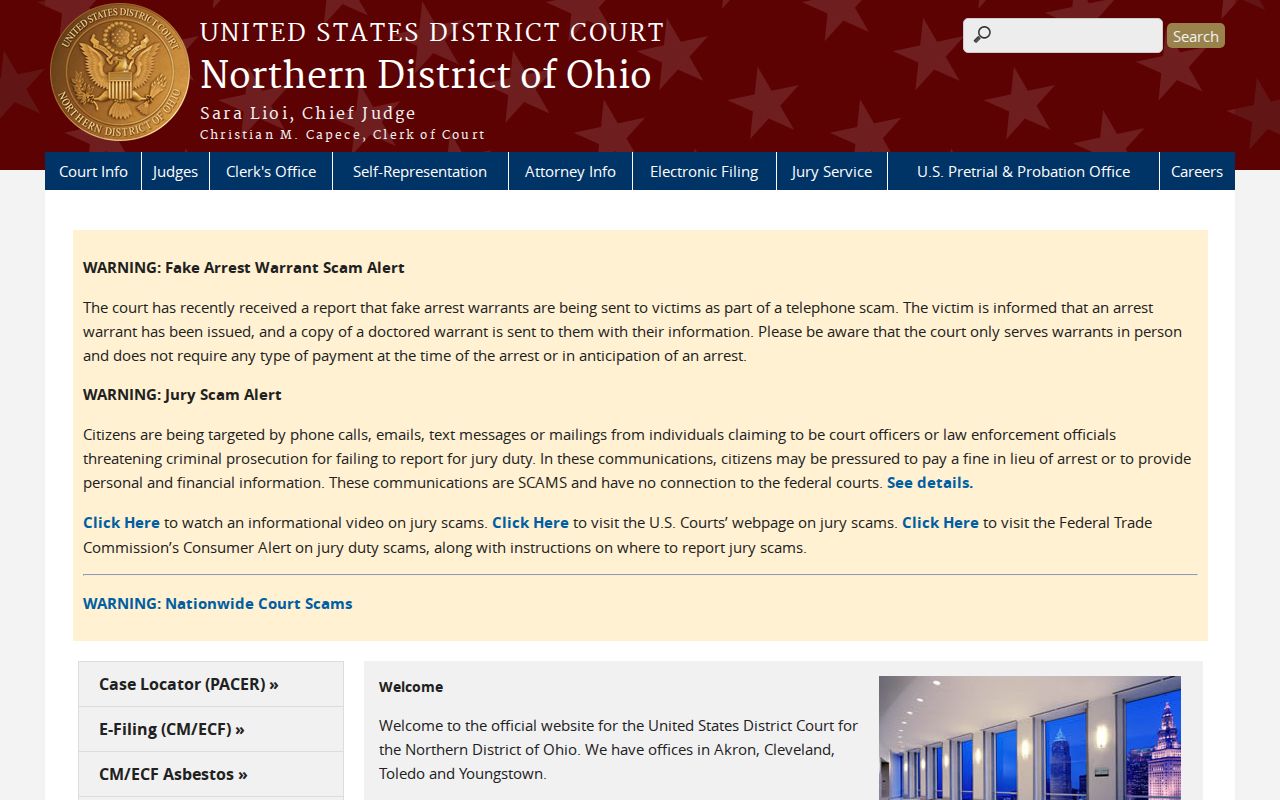
Richland County sits inside the Northern District of Ohio. That court's official site shows its own docket search, calendars, and filing information for federal cases.
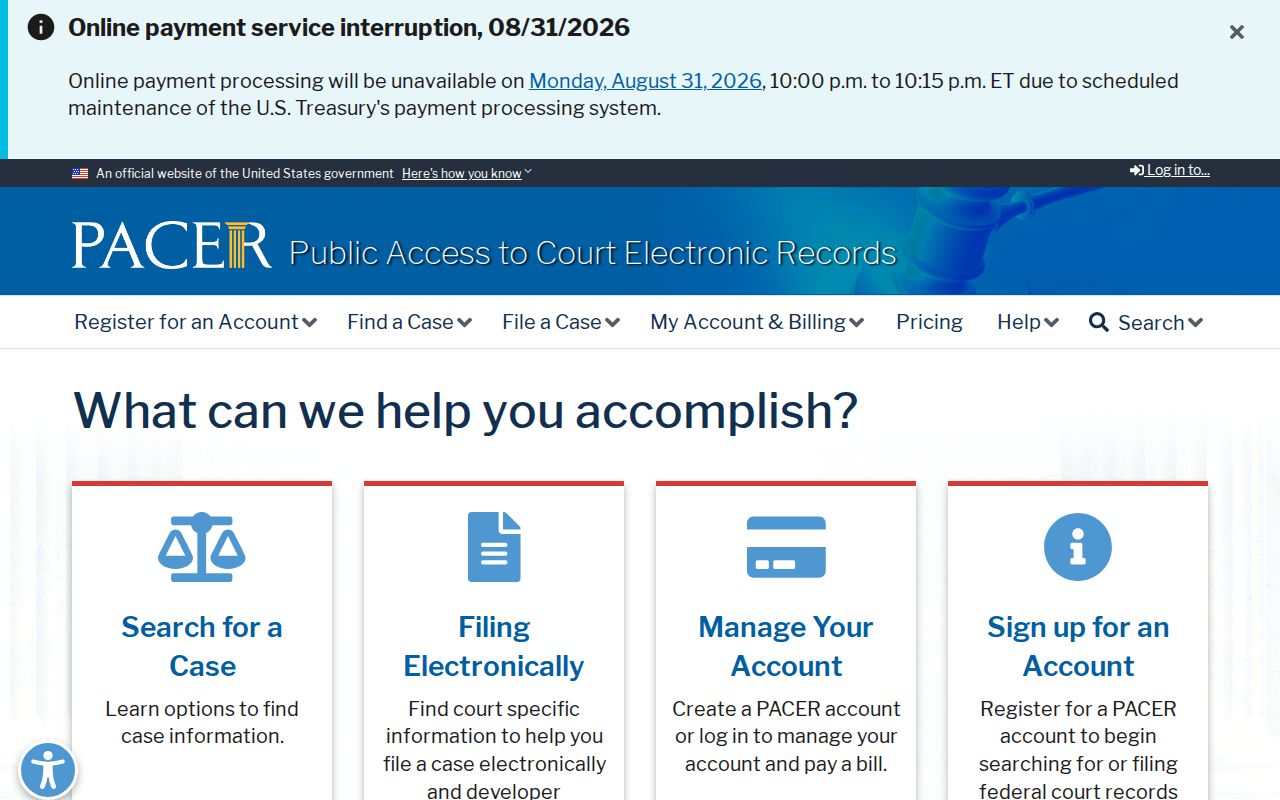
Richland County dockets and federal dockets live in separate systems. The county clerk handles local cases. For federal filings and case activity, PACER is the official service, and its page shows what a federal docket search covers.
The federal index leaves out municipal, mayor's court, probate, and Common Pleas filings entirely. The Northern District of Ohio Bankruptcy Court runs its own federal bankruptcy record system, so that search happens there.
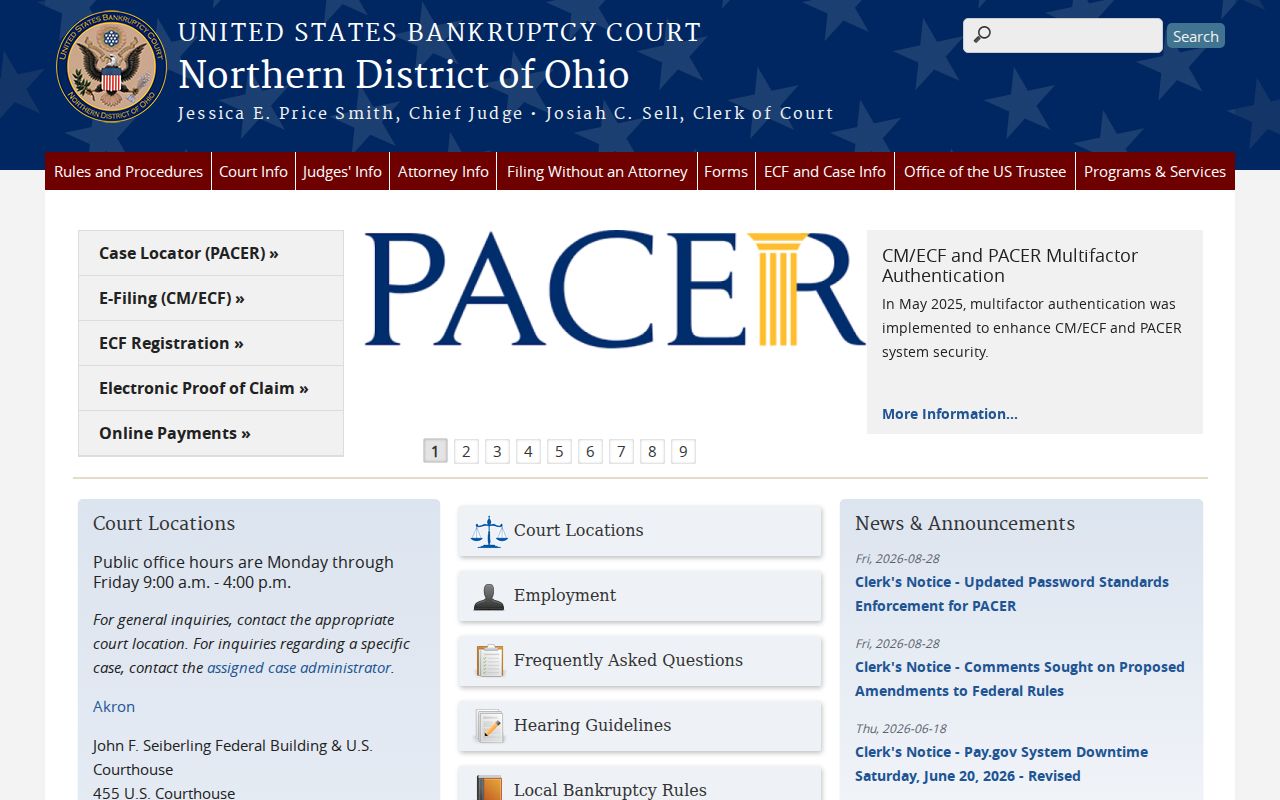
Probate and bankruptcy sound like overlapping ideas, but they are separate searches.
Access and Restricted Cases
Not every record is open online. The Richland County Clerk states that civil protection orders, stalking civil protection orders, and related orders cannot be reached through an internet-based forum such as CourtView eAccess. The local route is a public-record request to the Clerk. Juvenile cases sit in their own system. Their confidentiality rules are their own. A sealed or expunged case may be missing. It may be restricted. Treat an absence carefully rather than reading it as a conclusion.
Superintendence Rules 44 through 47 set out who may access Ohio court records. They also cover what gets excluded or redacted, and what remedies exist. Before copying a file, the Clerk can review Social Security numbers, license or tag data, account and tax details, medical material, and identified Domestic Relations documents. Need the underlying file or an official copy? Go through the Clerk's records process instead of a portal view.
Local access point: A CourtView result is useful for locating a Common Pleas case, but a restricted record or certified copy must be requested from the appropriate clerk or court.
Richland County Historic Searches
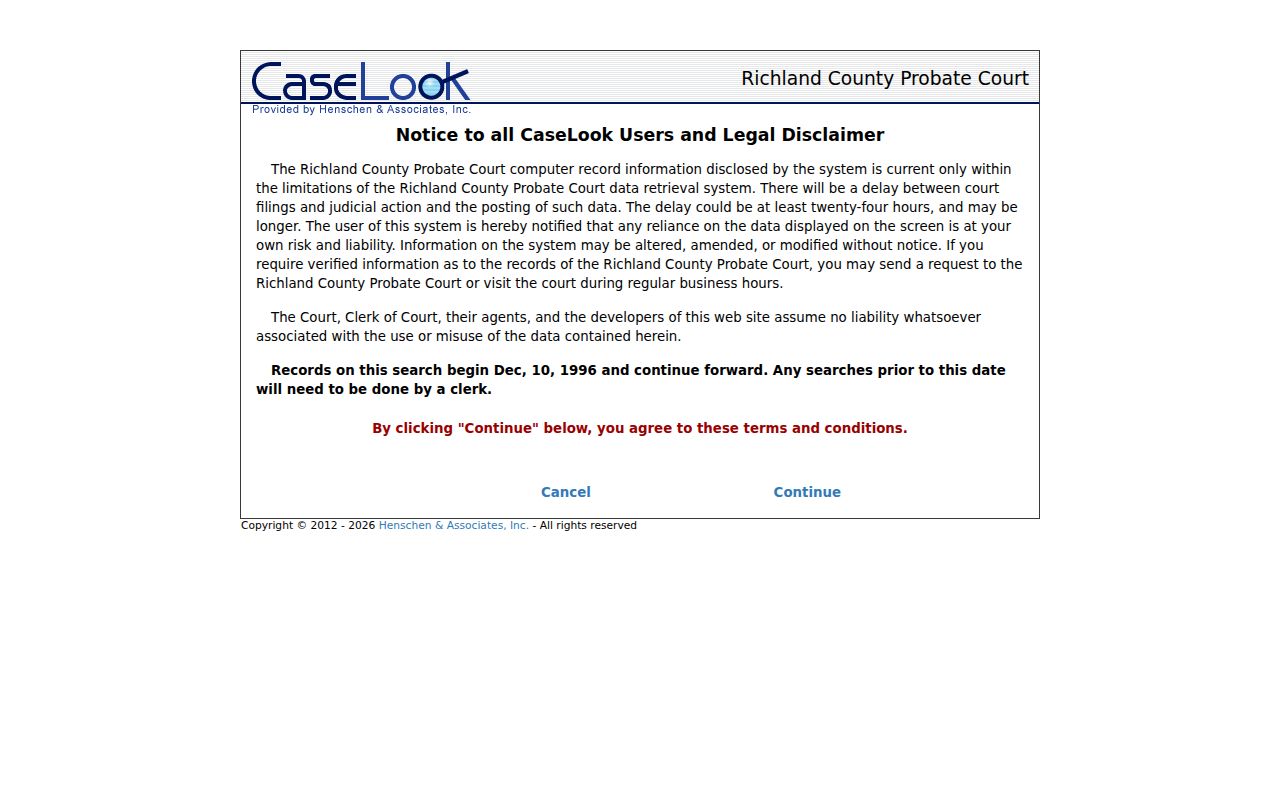
Probate CaseLook says its searchable records begin December 10, 1996. Older probate research belongs with the clerk rather than repeated portal searches. Its notice also warns that posted information can lag at least 24 hours and may change without notice.
The Probate Court’s CaseLook entry is the official local starting point for post-1996 probate record searches.
Older Common Pleas material lives on the court's historic search page. It points to QuickLinks appearance dockets covering 1899 to 1990, plus civil, criminal, and domestic records from 1897 to 1990.